I have a small e ink screen on the wall next to my desk. And you can create generative art on this website and send it to my screen. It will show up with your name until the next person sends me an artwork or until the application generates a new daily artwork for me every morning.
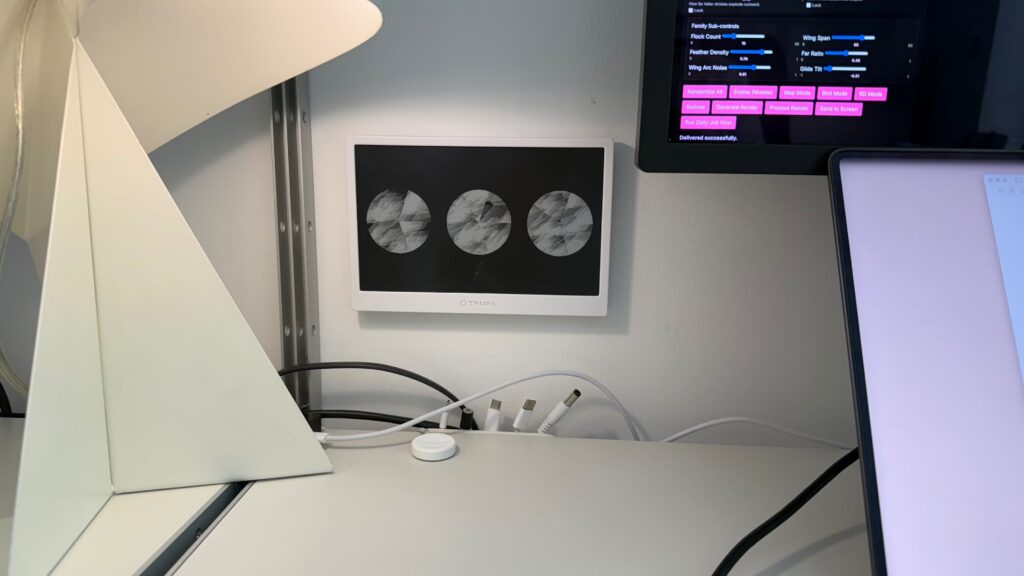
The e ink screen is made by TRMNL, it’s a great piece of hardware, look them up. I trialled using it for tasks, calendars, data views and such. But it always felt a little strange to have that stuff in the living room where I eat, relax, host and have to work.
So now the screen is for art, art from internet visitors, art from an algorithm that attempts to paint a picture that we might find pleasing to look at.
 Send Me Art
Create generative images, send it to me
Send Me Art
Create generative images, send it to me
What’s going on here?
The art is made in the browser, drawn in real time by a visual scripting language called P5.js, a branch of the Processing language. It has a range of parameters that create shapes and allow for control of visual density, weight, symmetry, texture, spacing and contrast.
I’m very much a beginner when it comes to understanding exactly what is needed to generate an image with P5.js, I can’t imagine a visual and instruct it into life. And this beginners mindset led me to create a randomiser within the app to vary these parameters, to see what was possible, what could be made.
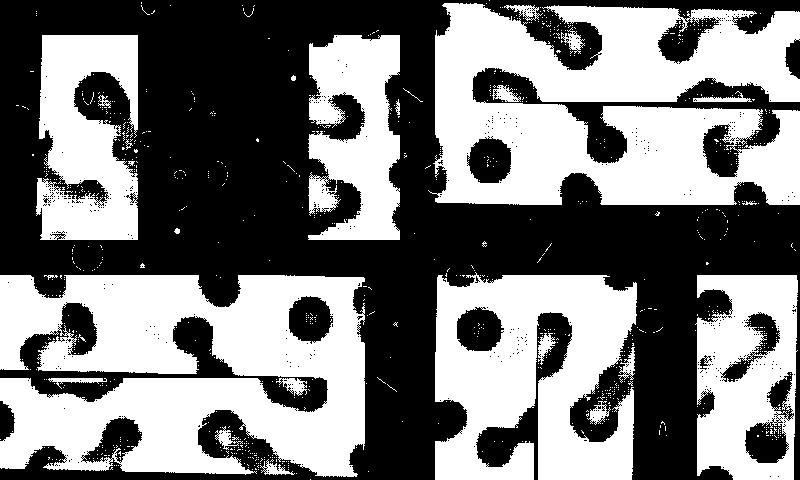
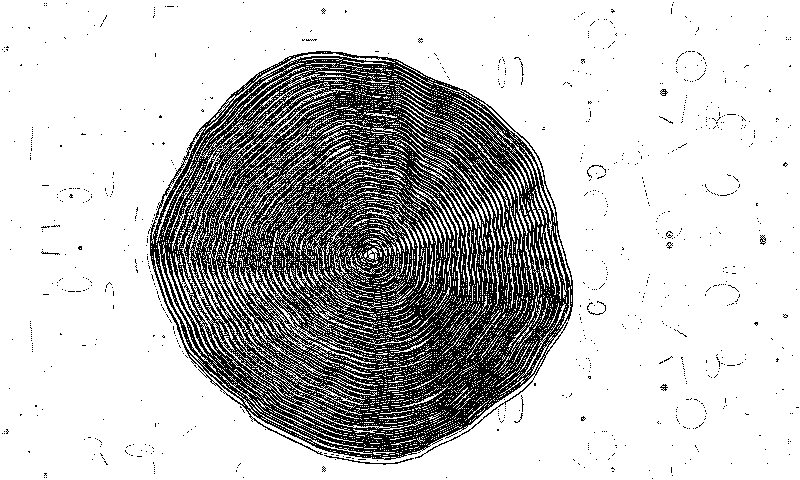
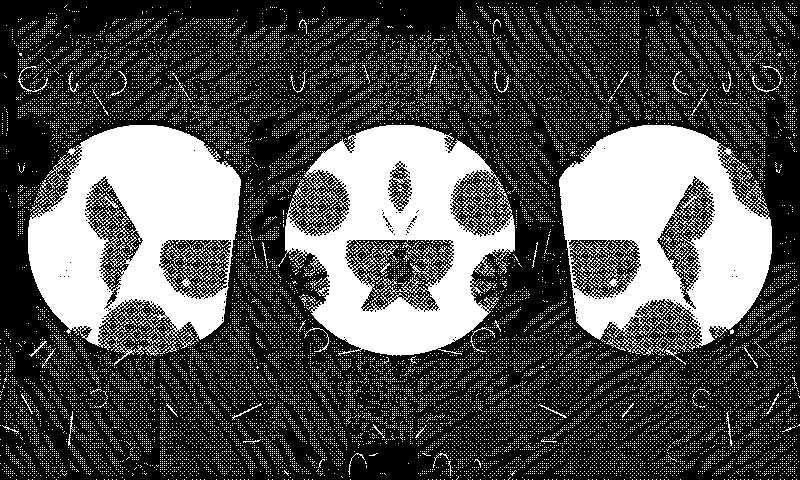
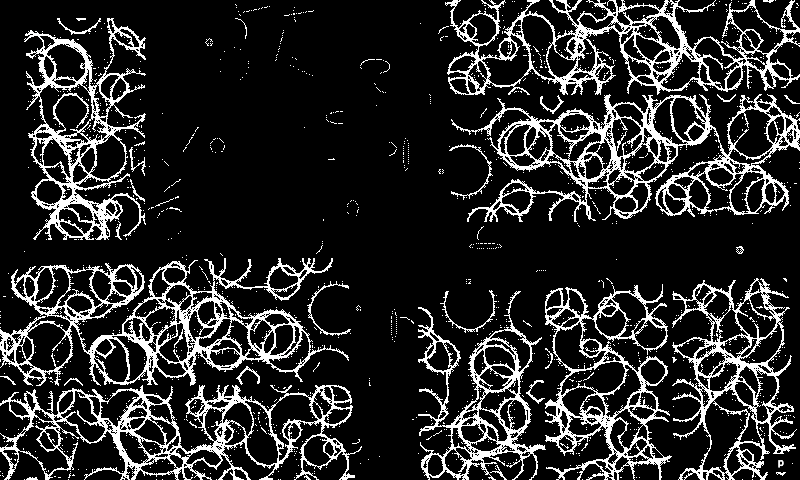
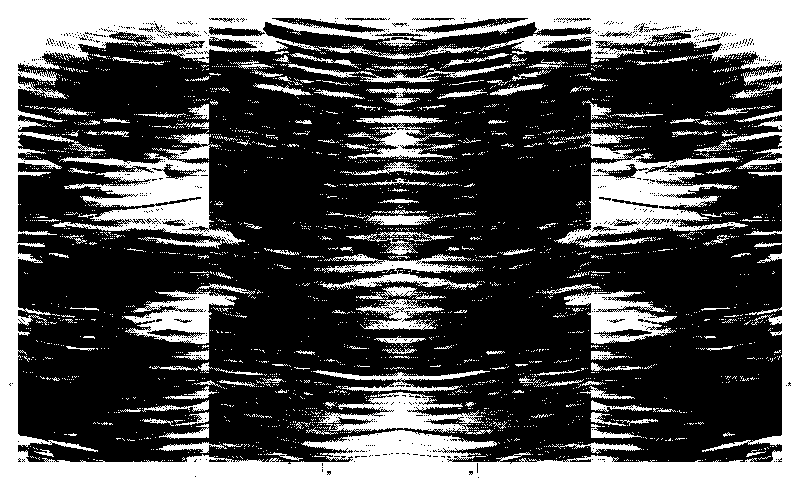
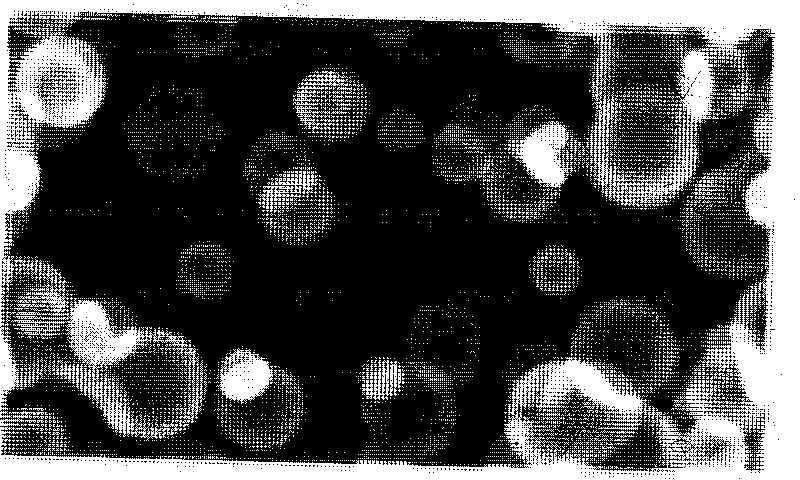
I started to land on images that felt compelling. From there, I didn’t want to over think the exact parameters, instead I wondered, what if I could add a training mode to like and dislike the outputs? This could keep the app creating a wider range of visuals, create accidents, but with a guardrail of sorts to aim it towards more pleasing pictures. In a way, it still feels like it has a range of style without being narrowed to produce just one thing, over and over.
For me, this makes it feel genuinely surprising. Somewhat alive within its own computer world.
The app focuses you on one button “Generate Art”. This one button experience sets off the script. You see a flash of images as it attempts to determine if its getting closer to a pleasing picture. It settles and you have your art. But, you can skim back through its creations and pluck out something that pleases you better.
If you’re feeling spicy, you can open up the parameter controls, top left. These allow for endless tweaking and noodling as the image redraws in real time. They are somewhat clunky, unfinished and confusing. Something to pick back up and improve in the next version.
What’s going to happen next?
There’s a list of ux/ui improvements to look at. If you’ve played with the controls panel by now, you’ll feel this. The first pass is likely just a clean up of the obvious: positioning, labelling and clarity, so the panel feels balanced.
The first version was purely driven by the agent chucking the controls in. I was more concerned with it working and producing images I liked. I did a 20 minute redesign in Figma for this current live version, something to erase the vibe coded aesthetic and pair it up with this sites design language. This also needs a bit of attention in the next phase.
Here’s what I’m thinking for a cleaner setup:
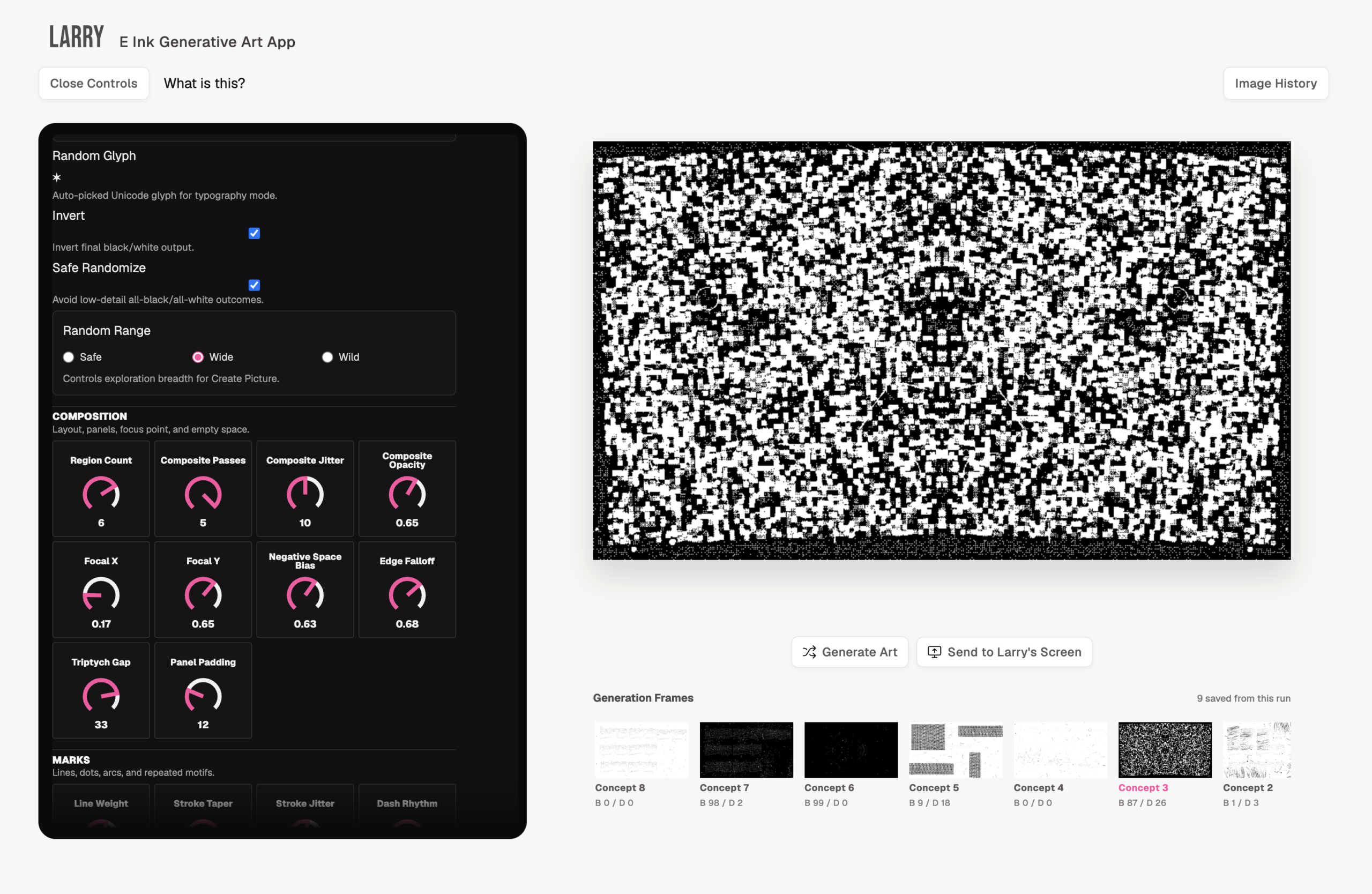
Fun to make, but not fun to use. Too many of them. Needs better grouping.
All the other controls are a bit messy and complex.
Need to create an off-site nav system
Requires refinement of ui
The more I got to thinking about these user interface improvements the more I’m wondering about repeatable patterns across other self initiated projects. Recently I pushed an update on the site that allows me to package one page prototypes within the <main> region. This means that silly, fun, experimental stuff that I make with agents can easily have a home.
So what if this home came with a pattern kit ready for these projects, they fit easily into a house style of the site. A few simple HTML and markdown assets in my template folder, the agent picks these up and we’re in business.
The thing bouncing around in my head that’s bugging me… the controls might be jargon overload. Yeah, you can tweak all these parameters backward and forward and watch the image change in front of you. But, how could the app meet a real tangibility in its control to output. For example, when we see real world objects, we understand their scale, weight, materiality – so many attributes are known just by looking, just by our map of the world.
The current controls fail to give us this. Software has solved this on some levels, think of brushes panels in image creation/editing apps.
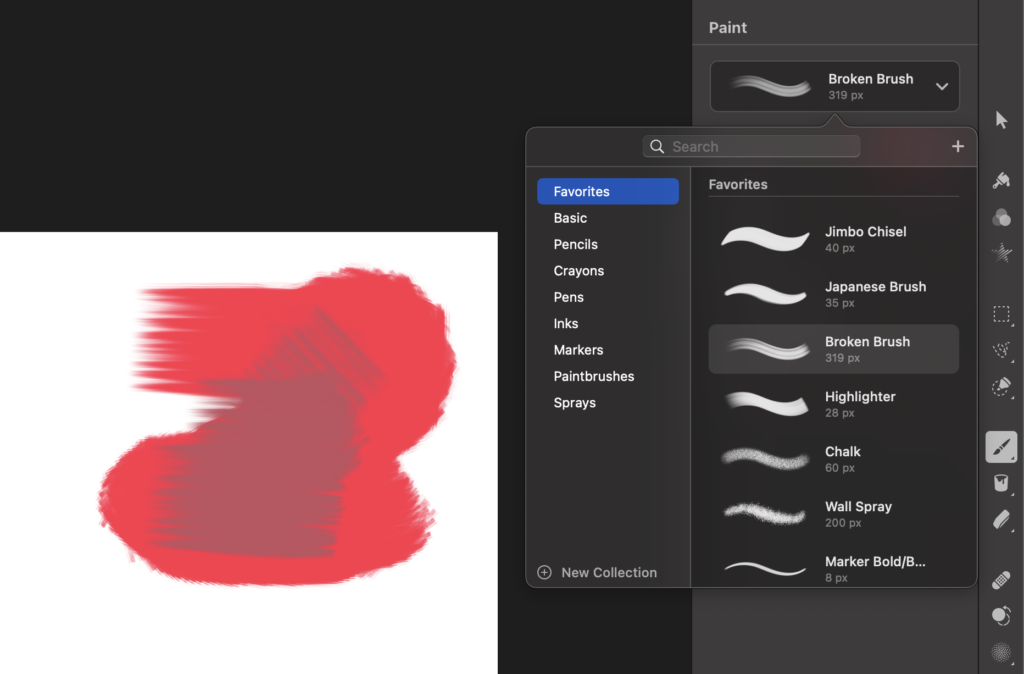
However, where does the line sit between the literal and the abstract? Especially when the kernel of the idea is abstraction, to watch the machine paint for you. What could represent controlling it if we’re not to be as literal as to tell the user to pick up a virtual Japanese Brush.
I need to mull this one over. My gut instinct is to train it in semiotics or “the feeling” of the output and let the user control THE FEELS. This all leads quite nicely into Phase 4 – creating vibed versions/modes that can be released. I’d love to see it produce images closer to nature (the detail veins of a leaf), or space, skies, rocks, waves and so on. These baseline semiotics of {mode} combined with {feels} could really start to make something interesting.
What’s not going to happen here?
I’ve ruled out using live data sources (news, finance markets, weather) to randomise the image generation.
For now, so is connecting it to an agent to generate images. The agents can keep busy with making the infrastructure work.
I might open up the GitHub repo, but I’d rather create an agents instructions/recipe file that is back-end agnostic so anyone can build their own with low effort. This requires several test runs to ensure the recipe actually gets built correctly, so thats way down my list.
TRMNL has a space for me to publish this as a plugin other screen owners could consume, might be neat, but that switches my attention to serving others and not the bigger ideas.
—
That’s it for now, Version 2 is live, go and check it out:
Send Me Art
Create generative imagery, send it to a display at my desk