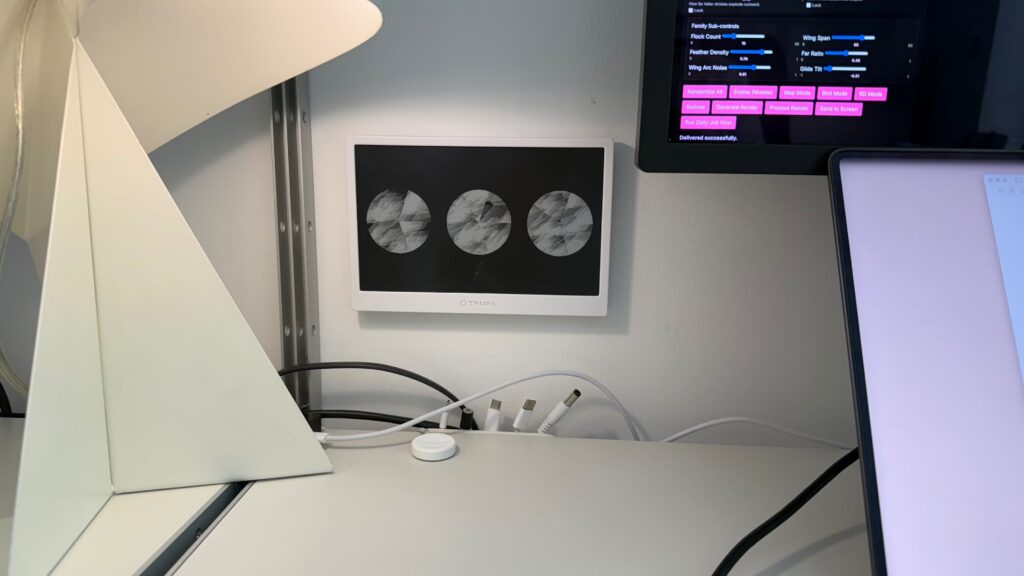
I’ve made an abstract art generator that sends images to my e-ink display next to my desk.
I bought the e-ink display just over a year ago, I messed around with putting calendars, task lists, weather and other typical ambient info onto it. But, it always felt a bit weird, a bit dystopian, it became an object I’d rather ignore than be intrigued by.
For a while I’ve wanted to build a plugin for the display, but I hadn’t thought too deeply about what it would do and what would interest me.
My filter bubble of people talking about AI has very much been limited to optimisation bros, angry engineers, engineers experimenting, one shot landing page lords, designers building, angry designers and so on, and on. I need to fix that.
I’ve been craving some creativity, some weirdness, something a less capitalist within my AI mindset and ideas.
Yesterday, a lightbulb switched on…
What if I could use Processing (the graphics generation programming language) to generate randomised images and have an application send them to the e-ink display?
Processing had always been on my long list of someday stuff I’d like to play with one day but never made its way to the now list. And here is one of the beauties of AI tooling today, lots of fun stuff can make its way onto the now, less than an hour, achievable with a £20 a month token budget list.
It is wild looking back on making and effort. When I first heard of Processing, if you were to produce a web app with interface controls, randomising image generation, connecting it to an API and store a history of the images it would have been a huge time and effort investment. And that is before you get to the interesting part of the idea… the images themselves. I’m not knocking the joys of engineering an infrastructure, lots to learn and get satisfied with that. But I’m interested in the image generation first.
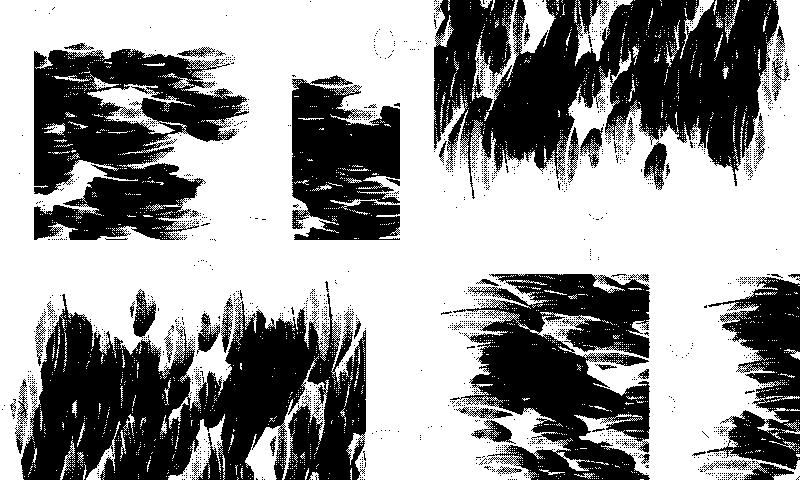
▲ After a few sessions with Codex the app is generating detailed and curious outputs
Straight up prompt into Codex for this one as it was quick test project to see what’s possible to get me moving.
How was it made?
START PROMPT:
Plan out a webapp that will run on my mac and later on my server (ideally LAMP friendly) that creates abstract art for my eink picture frame display.
This is the hardware API https://github.com/usetrmnl/api-docs
For the art generation I’ve added some starting points to the folder attached.
For the webapp I’m imagining that we could use Processing to generate the images and have some ui controls for the user to make an image and send to the screen. We also want auto generation as the main feature, a new image is made and sent to the screen everyday.
Take note of the screens visual specification so we generate images that are the right size, density, colour and so on.
This is the basic starting point for the app. Generate images, send to screen.
Then after that, we will want to use some open global data to generate images based on things that change in the world (e.g. money, news, weather)
END OF PROMPT.
—
After that initial prompt it was a series of follow ups tweaking: adding generation parameters, adding triptych, bird mode, map mode, adding basic reinforcement learning.
A few notes and thoughts
- I want to host this on my site so visitors could play with it to send an image to my screen and I’d ideally like to keep my life simple and host in my old LAMP box
- I do like the idea of generating images based on what is changing in the world, but I can’t square the circle on why do it? My feeling is the randomisation of the app itself is more fitting, more in keeping with the concept
- I need to research into generating nature patterns, I’d love to see it seasonal changes, perhaps I could have a spring mode where the plants I can see out my window are also generated as abstract patterns on the screen
- What if visitors could type a word or message into an input on the website and that is parsed into an abstract image via the generation parameters? Would it matter if you never knew what someone typed? What if they called you a prick and you loved the abstract render of the insult they sent you?
I’ve deliberately not invested in the user interface and user experience yet, its got a few basics in place to get it off the ground, but is very much sloppy slop for now. Which is fine. In fact, I love that because, again, it is about the image right now, not overworking the controls. That can come next.
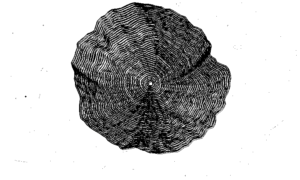
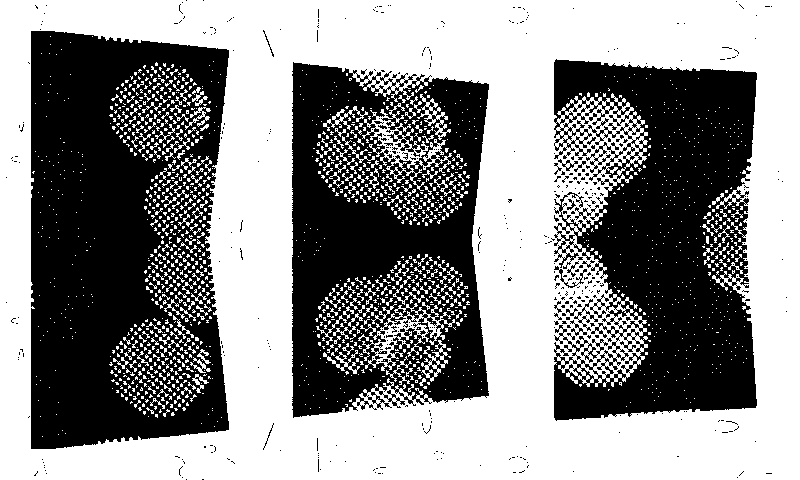
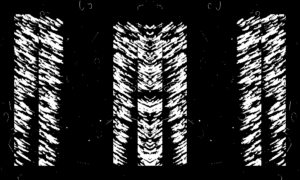
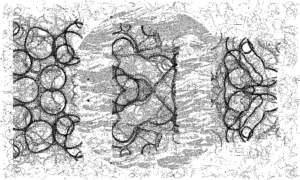
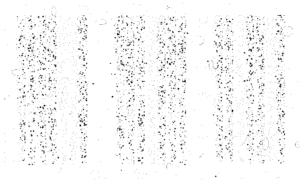
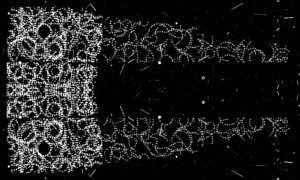
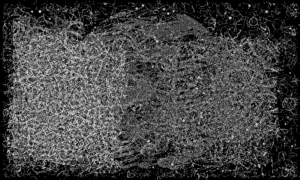

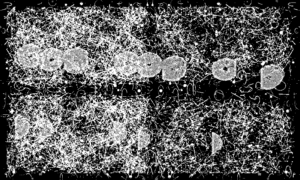
▲ This mornings images after a bit of tinkering, its starting to feel alive now
The very start
Everything above is where I got to within a few hours of tinkering and pushing backwards and forwards with the parameters, Processing learning and Codex building out as I went deeper.
But, this is where it started, the very first image.
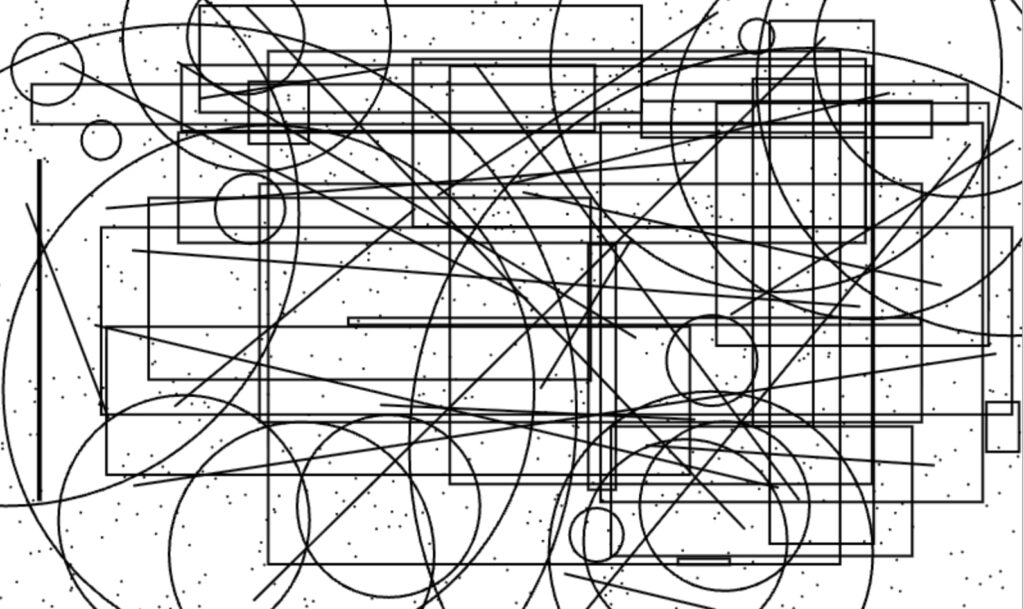
and the very first webapp control view
Coming up next
- Research further on Processing and nature mode image generation, see if I can get closer to thematic views or days
- Transfer project over to headless Mac Mini to run a cron job daily
- Push mini-client to my website here so visitors can generate and send images to screen, need to set a method for
visitor image shows for 15 min, then reload daily image - Go deep on the interface I actually want to use, what’s a compelling control method beyond heaps of sliders
- Explore camera generated input
I love spring mornings in the living room when the trees cast shadows across the room, and beautifully, this appeared this morning while I was training the app on its image generation. Inspiration for the next phase in image generation – nature mode.